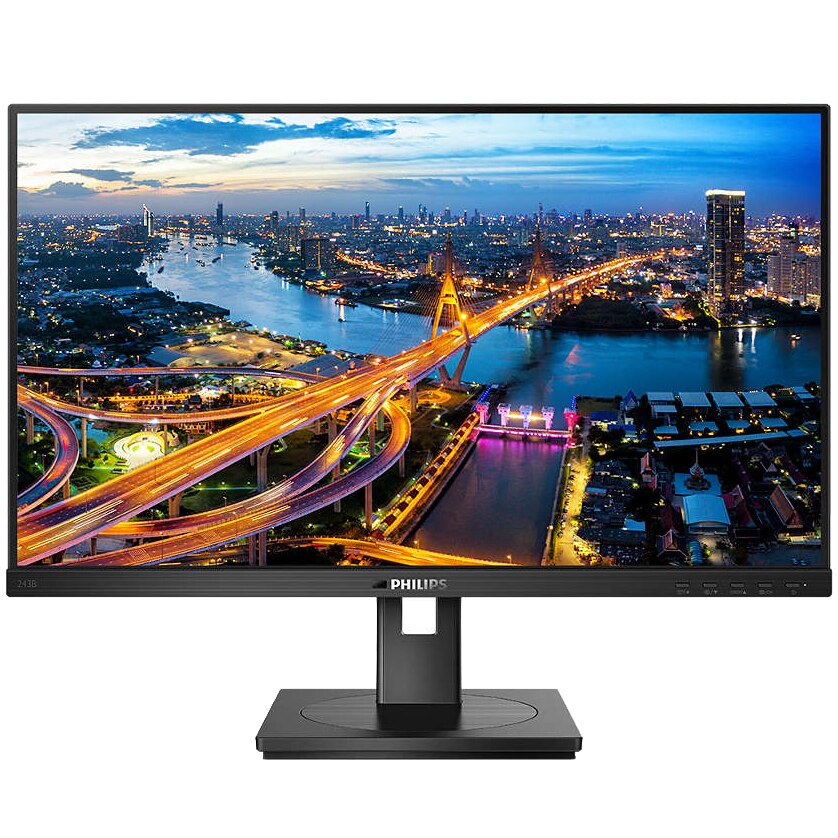
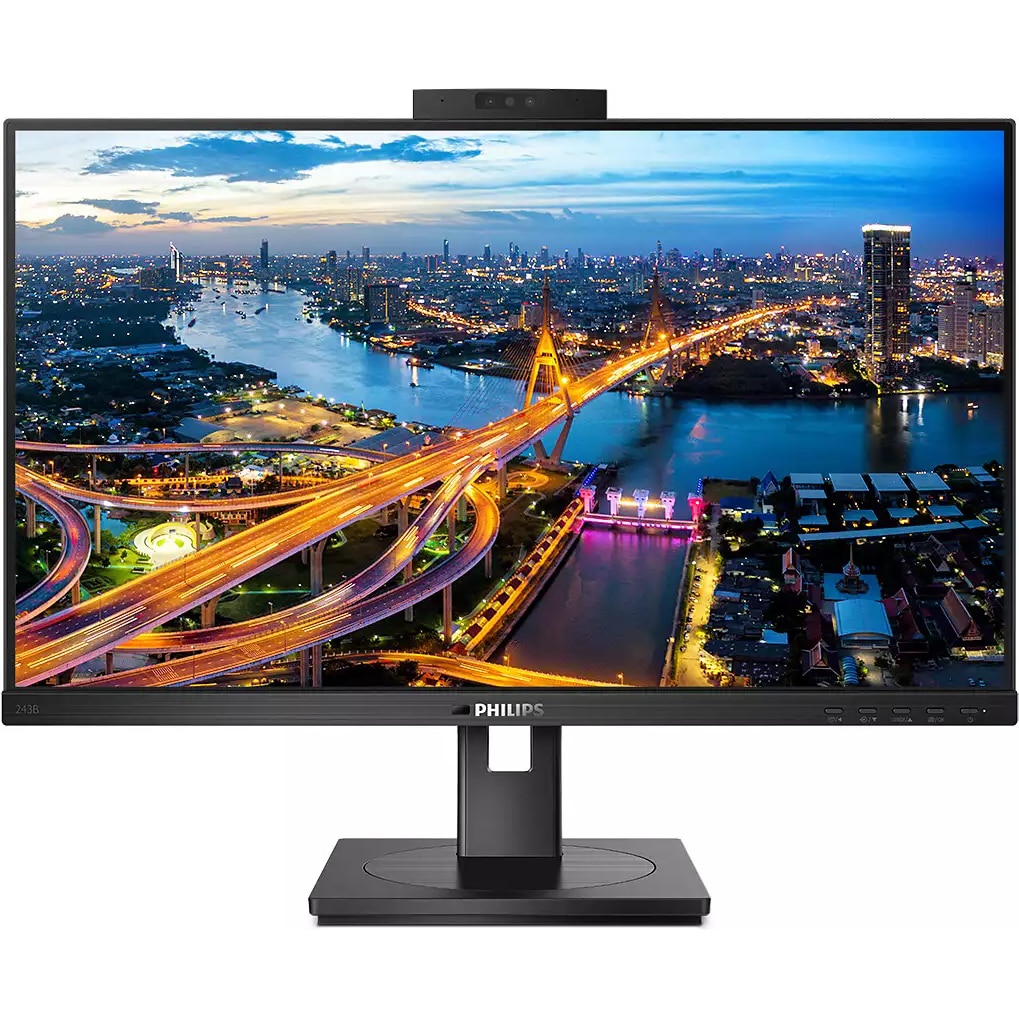
Monitor Philips LED IPS 238'', Full HD, 75Hz, 4ms, FlickerFree, Pivot, HDMI, USB, USBC, 243B1JH00
 (100 in stock)
1,913.46 RON
Philips LED IPS 23.8'' monitor, Full HD, 75Hz, 4ms, FlickerFree, Pivot, HDMI, USB, USB-C, 243B1JH/00 Simplified connections This Philips monitor offers 100 W power and a simple docking solution for laptops. The double braided USB cable, with type C and A connectors, transmits video signal, Ethernet, power supply and DisplayLink. The Windows Hello web camera offers increased security. USB-C allows charging the laptop directly from the monitor This Philips display has a built-in USB Type-C docking station with power function. With intelligent and flexible power management, you can directly charge your compatible laptop*. The slim and reversible USB-C connector allows easy docking, through a single cable. Simplify everything by connecting all your peripherals, such as keyboard, mouse and RJ-45 Ethernet cable to the monitor docking station. You can watch high-resolution video content and transfer data at very high speeds, powering and charging your notebook at the same time. IPS technology for rich colors and wide viewing angles IPS displays use an advanced technology that offers you extra-wide viewing angles of 178/178 degrees, making it possible to view the display from almost any angle - even in pivot mode at 90 degrees! Unlike standard TN panels, IPS displays offer you remarkably clear images in vivid colors, which makes them ideal not only for viewing photos, movies and browsing the Web, but also for professional applications that require a high level of accuracy. of colors and uniform brightness at any time. LowBlue Mode for eye-friendly productivity Studies have shown that just as ultraviolet rays can cause eye damage, the short-wavelength blue light rays from LED displays can also cause eye damage and affect vision over time . Developed for convenience, Philips' LowBlue mode setting uses intelligent software technology to reduce harmful, short-wavelength blue light. Connect securely using the pop-up webcam with Windows Hello™ The innovative and secure webcam from Philips appears when you need it and retracts itself into the monitor when you're not using it. The webcam is also equipped with advanced sensors for Windows Hello™ facial recognition, which conveniently connects you to your Windows devices in less than 2 seconds, 3 times faster than using a password. PowerSensor helps save up to 80% on your electricity bill PowerSensor is an integrated "people sensor" that transmits and receives harmless infrared signals to determine if the user is present and automatically dims the monitor when the user leaves the office, reducing up to 80 percent energy costs and extending the life of the monitor. LightSensor for perfect brightness with minimal consumption LightSensor uses an intelligent sensor to adjust the brightness of the image according to the conditions in the room, to obtain the perfect image with minimal energy consumption. Built-in Ethernet RJ-45 gives you data security Built-in USB docking simplifies connections Philips monitors with USB docking offer universal port replication for a simple connection, without messy cables, to the notebook. It safely connects to networks and transmits data and video and audio files from the laptop using a single USB cable. And what's more, you can use the USB type C port for additional charging. For docked monitors with built-in DisplayLink technology, users can benefit from the compatibility of previous and subsequent USB versions with virtually any latest notebook. USB docking can increase company productivity and reduce costs. DisplayPort-out for connecting additional displays With DisplayPort-out, you can connect several high-resolution displays with a single cable, from the first display to the PC. The ability to chain multiple displays allows you to create a clean desktop, without the inconvenience created by too many cables spread everywhere. Designed to meet environmental standards Designed for durability and low running costs, this monitor meets environmental standards such as ENERGY STAR, EPEAT, TCO certification.
Quantity